
From Login to Launch in the Browser.
No installs, no servers, no IT tickets. Every tool Codecraft builds is cloud-hosted and ready the moment you sign in.
See the ToolsBuilt for Access, Not Overhead.
One platform, any partner, any learner: veterans, college students, people with disabilities, K-12 classrooms. Three tools, one login, zero friction. Everything below is available the moment a student or teacher signs in.
BattleScripts
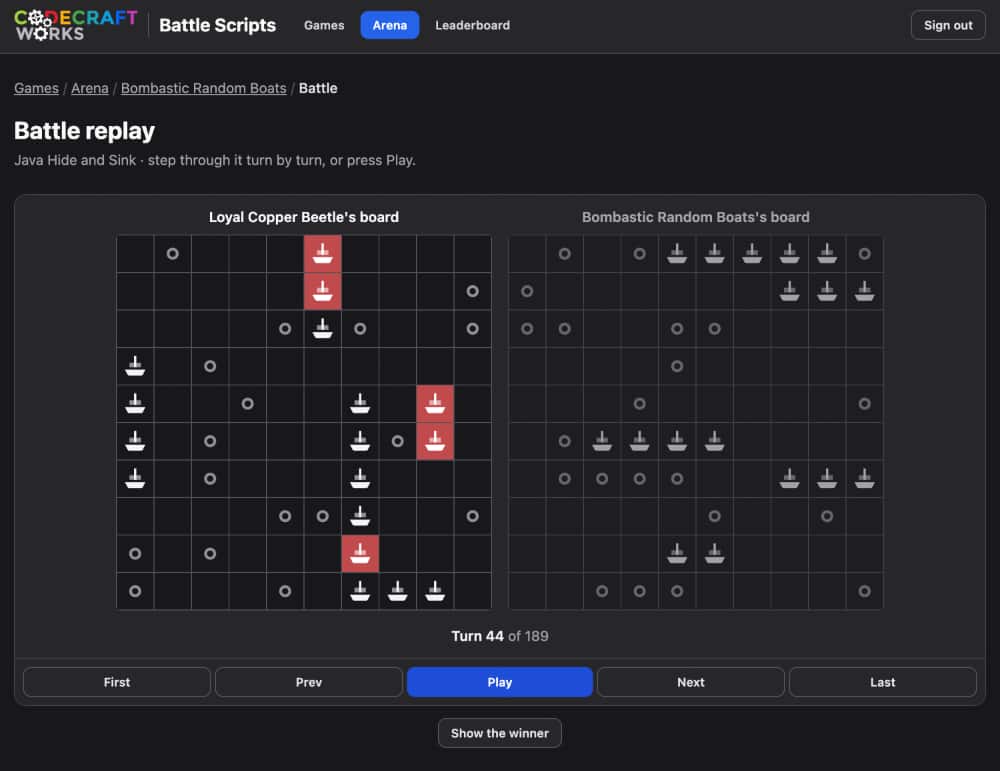
A competitive coding arena where students write programs that play real games against each other, learning logic and syntax through direct feedback instead of static exercises.
Web Studio
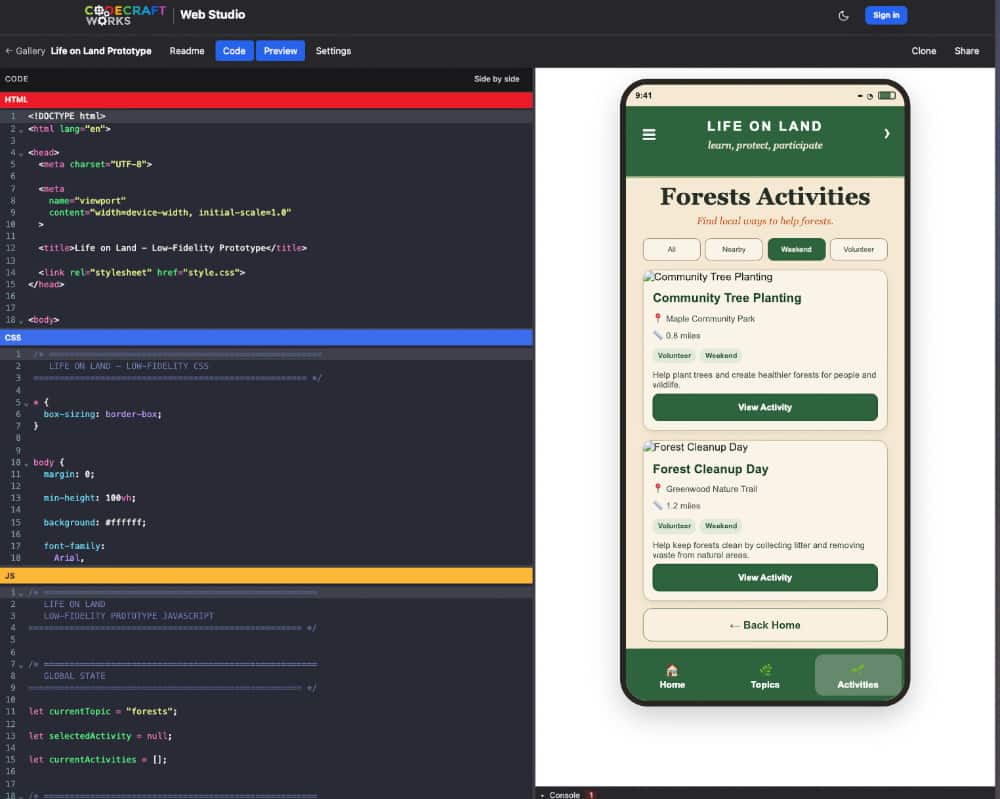
A browser-based build environment where students design, code, and publish real websites, with no local dev environment or software installation required.
BattleScripts
Choose a game, learn the rules, then write a program that plays it. Write it in the Forge, freeze a version you’re happy with in the Armory, then send it to fight in the Arena, with students coding bots in Python, Java, or Blockly and watching their logic play out live on screen.
Do you want to play a game?
99% win rate. 173 Arena matches. One bot.
- Learn by doing: Code an actual opponent, not a worksheet.
- Multiple entry points: Blockly, Python, or Java; pick the right level for the student.
- Daily Tournament: Every day, the top 100 scripts on each leaderboard are auto-drafted into a bracket and fought to a champion. No entry needed; if you’re on the board, you’re in it.
Web Studio
A full front-end build environment that runs HTML, CSS, and JavaScript entirely in the browser. Students design, code, and publish real, shareable websites without your IT Support department ever touching a local dev environment, a terminal, or a software install.
- Zero install: Works on a Chromebook, a shared lab computer, or a personal laptop.
- Real output: Students leave with a live, shareable portfolio piece, not a grade on a worksheet.
- Progressive difficulty: Scaffolded from semantic HTML through responsive layout and accessibility.
Instructors see the same zero-install advantage
“We are continuing to use Codecraft Works for the Web Development course. It is working out really well. Students new to web development can modify a sample project and publish it on the first day of class. That is very exciting for them. More experienced students are already going beyond the minimum requirements. They try out features like adding images and using CSS for styling, which we cover later in the course. We really appreciate the ease of use and the flexibility to accommodate this broad range of expertise.”
Valerie Taylor, Instructor, De Anza College, Cupertino, California
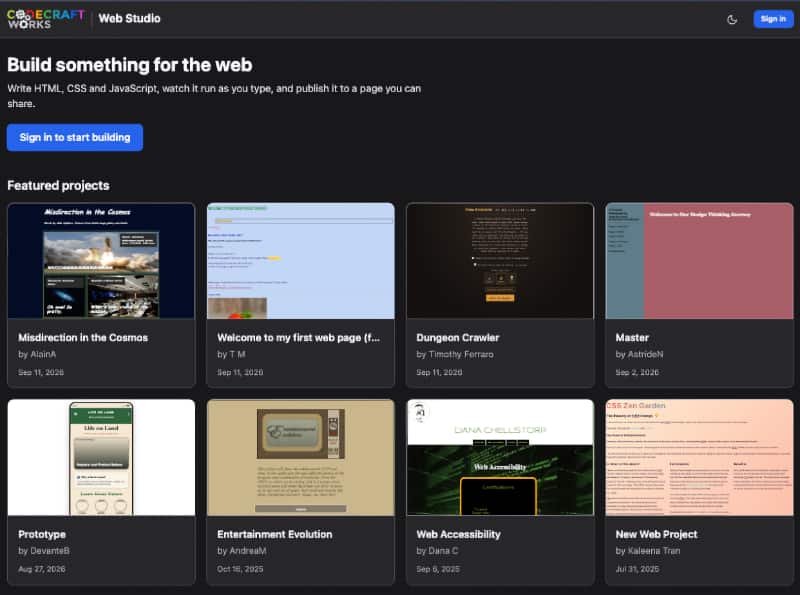
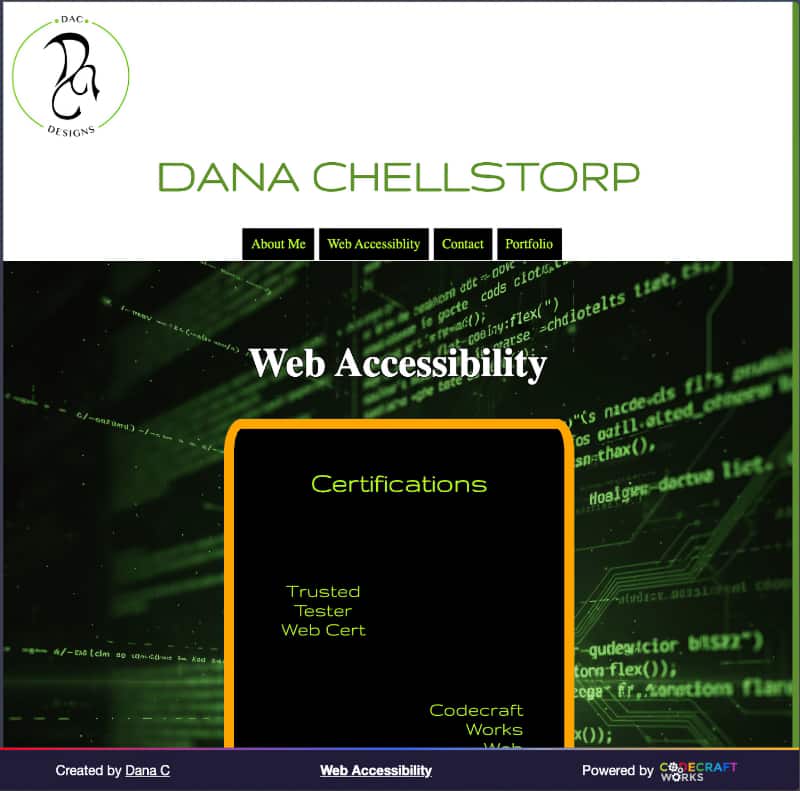
See What Students Build
Real projects, published straight from the browser. No portfolio site to maintain, no separate deployment step.
Ready to Put These Tools to Work?
Whether you’re licensing Codecraft Classroom or just want a demo of the tools, let’s talk about what fits your program.
Request a Demo